RE:CALL
A downloadable tool for Windows
Recall helps you find videos buried in large folders.
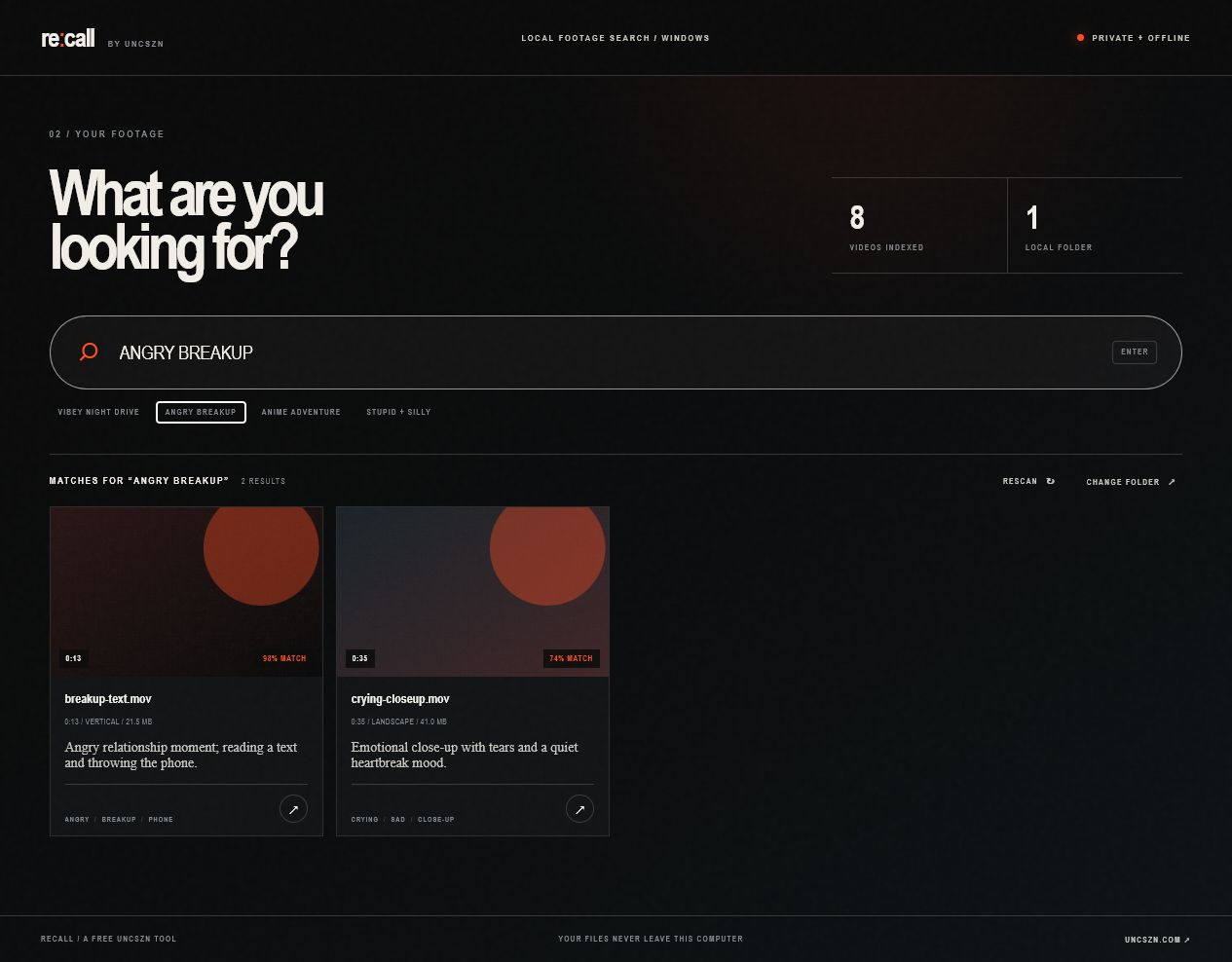
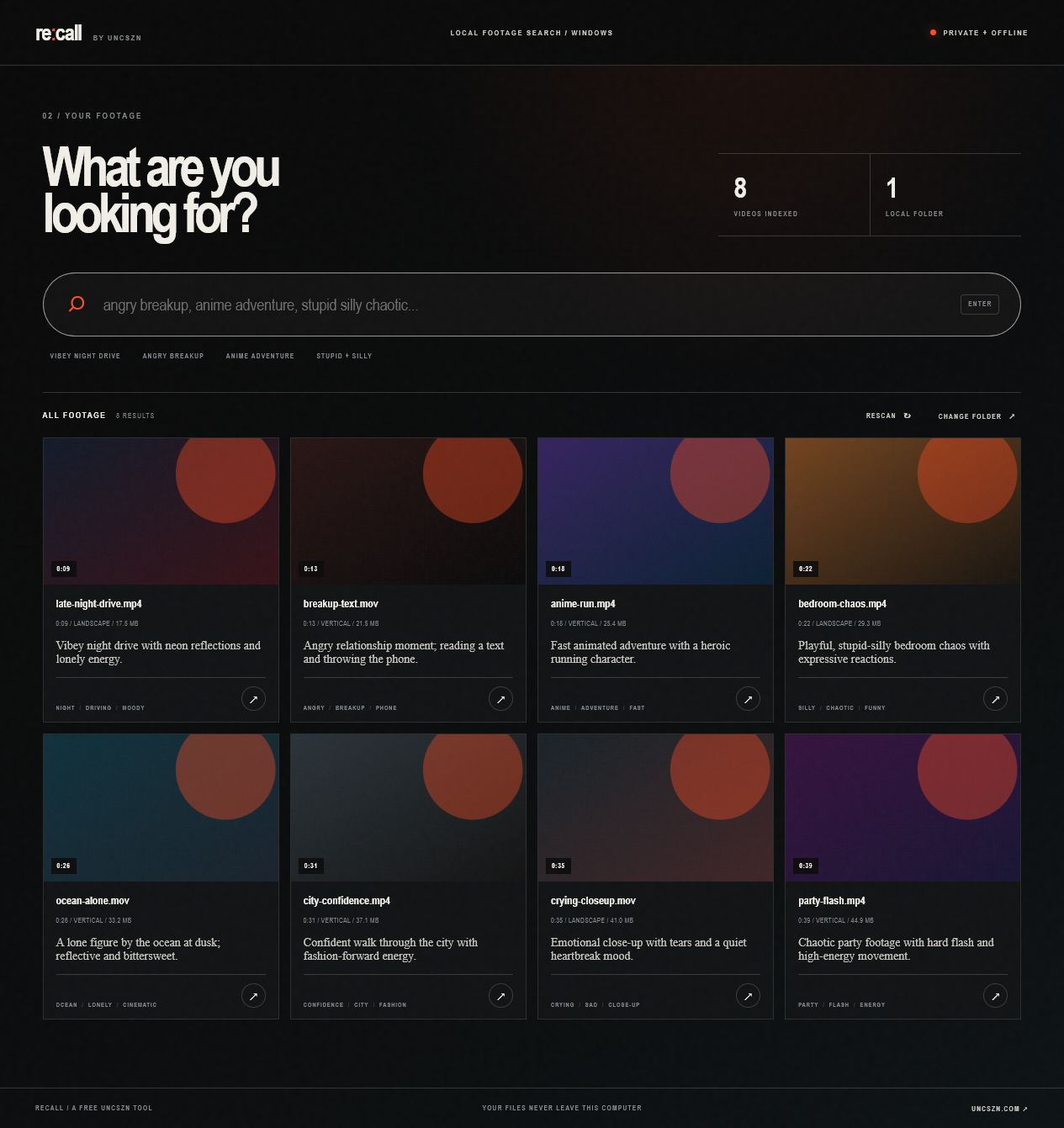
Choose a footage folder and let it scan. Once it finishes, you can search for things like:
- angry breakup
- anime adventure
- night drive
- silly and chaotic
- lonely rooftop
- dark performance
Click a result to preview it, open the original file, show it in Explorer, or copy its path.
Recall runs locally on your computer. It does not upload your footage, require an account, use an API key, or download anything after installation. Your original videos are never moved, renamed, or edited.
Later scans only process new or changed files.
How to use it
- Download and extract the ZIP.
- Run
Recall.exe. - Choose your footage folder.
- Wait for the first scan to finish.
- Search your library.
Recall currently searches sampled video frames and filenames. It does not transcribe dialogue or reliably read small text inside videos.
Windows 10 or 11, 64-bit.
Free tool by UNCSZN
Download

Leave a comment
Log in with itch.io to leave a comment.